

To Automate DTF Orders Virginia apparel businesses connect their e-commerce storefronts directly to print production using Zapier. By routing customer artwork from Shopify, Etsy, or WooCommerce into cloud storage and pushing Orders directly to Dtf Nova Print, you eliminate manual data entry, eliminate file-handling mistakes, and speed up order turnaround across the board.
Running an on-Demand garment shop or local brand in Virginia comes with distinct challenges. You want to focus on designing apparel, closing corporate accounts, and managing your storefront. Instead, you end up spending two hours every evening downloading PNG files from Shopify, manually checking dimensions, organizing files into desktop folders, and emailing Orders one by one. Automating your order pipeline turns hours of repetitive file sorting into an instant, hands-free background process.
The Problem with Manual Print Order Routing
Manual order Fulfillment looks harmless when you process three shirts a day. A customer Orders a custom hoodie, uploads their graphic, and you upload it to your Transfer provider. But scale that operation to thirty Orders across Richmond, Norfolk, and Northern Virginia. Chaos quickly follows.
Files get misplaced. High-resolution graphics get mixed up with low-resolution web previews. Customers change their minds, leaving you to sift through email threads to find which revision matches which order ID. Worse, manual entry creates shipping delays that frustrate your buyers. When you switch to a structured Direct‑to‑Film (DTF) printing overview workflow, production happens quickly, meaning any bottlenecks in your business sit entirely on the administrative side.
Why Connect Your Store to DTF Nova Print with Zapier?
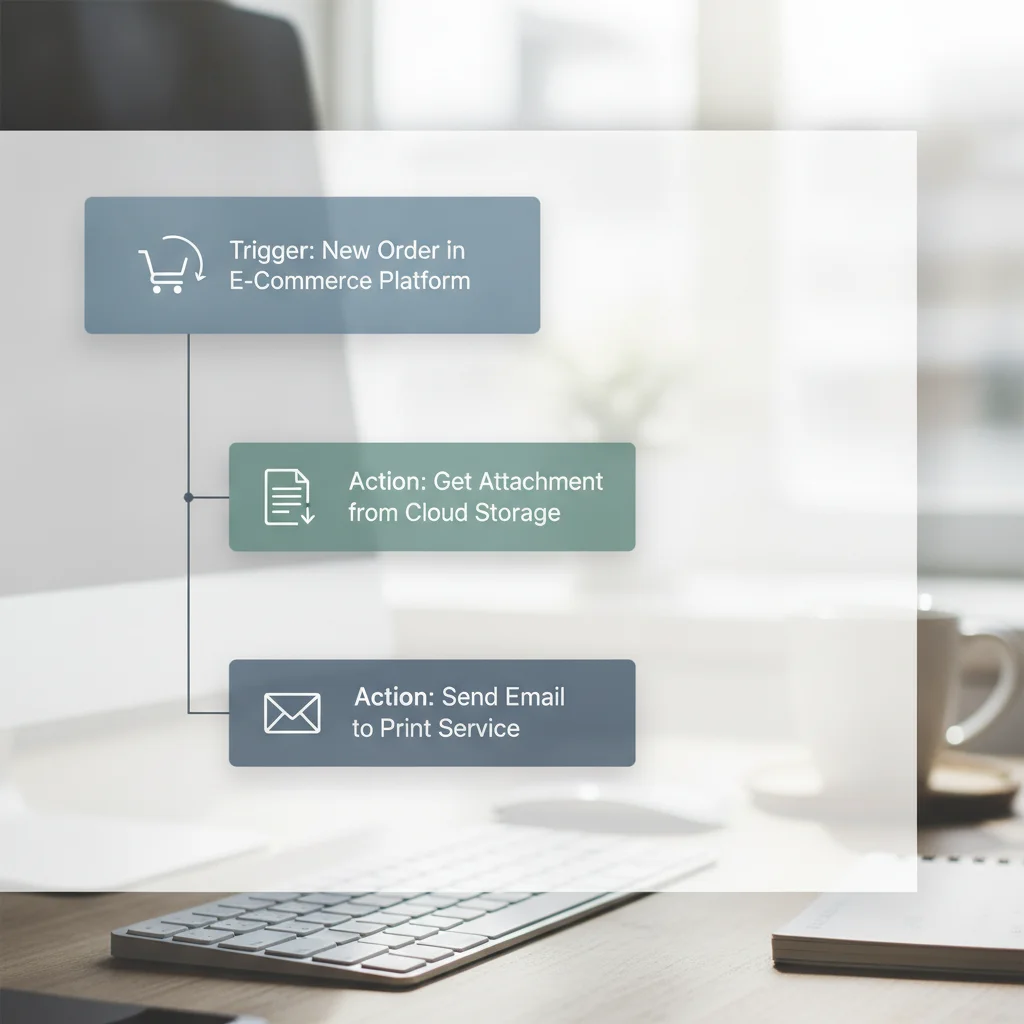
Our editorial stance is clear: you should never handle raw graphic files manually if software can route them for you. Connecting your store through the Zapier automation platform creates a reliable bridge between your shopping cart and production lines.
Dtf Nova Print specializes in custom DTF transfers, UV stickers, and custom apparel printing with no minimum order requirements and fast turnaround. Because there are no minimums, your store can fulfill single on-Demand shirts or 50-foot gang sheets without maintaining physical ink, film, or powder machinery in-house. Pairing automated triggers with reliable local Fulfillment gives small Virginia brands the operational efficiency of an enterprise factory.
How to Automate DTF Orders Virginia: Step-by-Step Setup
Setting up your workflow requires no programming knowledge. Follow this five-Step configuration to link your storefront to production.
- Configure Your Storefront Trigger: Select your e-commerce platform inside Zapier (such as Shopify, WooCommerce, or Etsy). Choose "New Paid Order" or "New Order with Line Item" as the event trigger. This ensures the Zap fires only when payment clears.
- Extract and Filter Print Assets: Use Zapier Filter to isolate products that require DTF transfers. Set a condition where "Line Item SKU" contains "DTF" or where a product tag equals "Custom Print". Capture the direct customer upload URL provided by your storefront file-upload app (such as Uploadery or UploadKit).
-
Route Artwork to Cloud Storage: Add an action Step for Google Drive, Dropbox, or Amazon S3. Set the action to "Upload File". Dynamically name the destination folder using the format:
[OrderNumber]_[CustomerName]. Map the file field directly to the download link extracted from Step two. - Send the Job to Production: Configure a Webhook or Email action to dispatch the order specifications, file link, print dimensions, and quantity directly to the Fulfillment intake at Dtf Nova Print. You can also populate an internal tracking database in Airtable or Google Sheets at the same time.
- Notify Your Customer: Add a delay or webhook listener that watches for tracking numbers. Once Fulfillment posts the shipping label, Zapier updates the original Shopify or WooCommerce order status and emails the tracking number to the buyer automatically.
For more detailed technical guides on setting up print operations, explore our collection of tutorials on the DTF Nova blog.
Manual Order Entry vs. Automated Zapier Workflow
Reviewing how manual workflows compare to automated routing shows the direct impact on Fulfillment speed and reliability:
| Workflow Stage | Manual Process | Zapier Automated Route |
|---|---|---|
| Order Detection | Operator checks inbox or portal periodically | Instant trigger fires upon payment clearance |
| File Management | Manual download, rename, and local folder save | Auto-saved to cloud drive with standard naming syntax |
| Error Potential | High risk of file mismatches or missing line items | Zero human transcription errors |
| Order Dispatch | 10 to 25 minutes per order batch | Sub-second execution via webhooks |
| Customer Updates | Manual copy-paste of tracking numbers | Auto-synced tracking dispatched upon shipping |
Cutting administration down to zero transforms how quickly your shop fulfills customer expectations across Virginia.
How Do You Handle Batch Processing for DTF Gang Sheets?
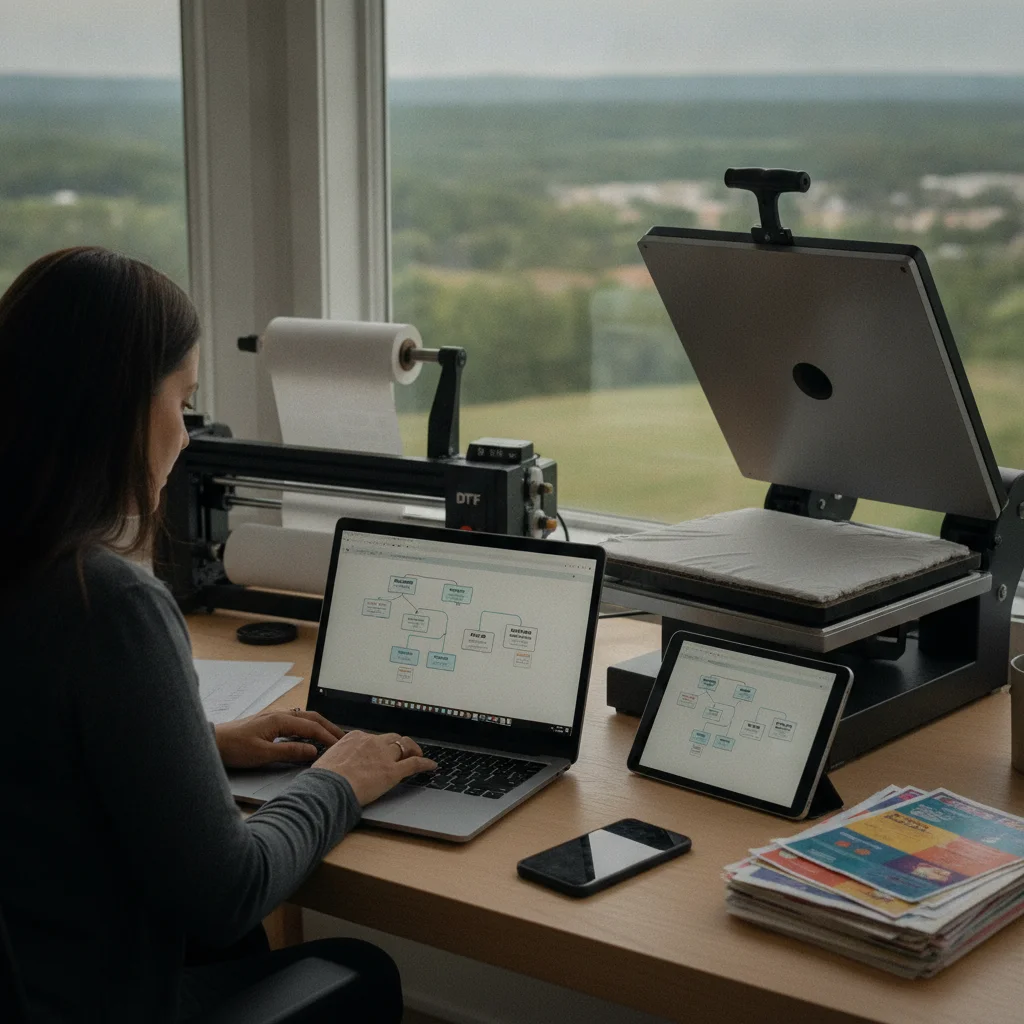
Automating single-shirt prints is straightforward, but what if you want to group multiple individual designs onto a continuous gang sheet to maximize your margins? You can manage this with Zapier by implementing a scheduled digest action.
Instead of dispatching an order the second a customer checks out, use Zapier's built-in "Digest" or "Storage" utility. As individual shirt Orders arrive from your Virginia store, Zapier adds the print asset URL and order metadata to an active list. You can set the digest to release on a daily schedule (for example, every afternoon at 3:00 PM) or whenever the list reaches a specific total quantity (such as 10 chest logos).
Once the threshold hits, Zapier sends the combined batch directly to our team. Using our DTF Transfer services, we print your designs onto premium gang sheets with vibrant colors and reliable wash durability. This gang sheet batching approach lowers material waste and cuts your unit costs without adding manual overhead.
How Can You Automate Customer Shipping Notifications?
Customer anxiety peaks between the moment they pay and the moment their tracking number goes live. Keeping buyers informed manually requires checking your shipping portals and pasting tracking codes back into Shopify or Etsy.
Close this loop using a reverse Zap. When Dtf Nova Print completes and ships your Transfer order, our Fulfillment alert sends a webhook back to your system. Zapier reads the tracking number, matches it to your original customer order ID, and triggers the Fulfillment API in your store.
Your buyer instantly receives an automated branded email containing their tracking details. The customer stays informed, and your support queue stays clear of "Where is my order?" Tickets.
Best Practices for Clean File Handling
Automated Fulfillment systems rely heavily on the quality of incoming data. If a customer supplies a blurry 72 DPI screenshot from a smartphone, an automated workflow will push that low-quality asset directly to print unless you set up validation guards.
To keep output crisp and professional, establish these guardrails:
- Enforce File Type Restrictions: Configure your storefront upload form to accept only PNG, PDF, or SVG files. Block low-resolution formats like JPEG to prevent white background boxes around graphics.
- Mandate Transparent Backgrounds: Inform customers directly on the product page that designs print exactly as submitted. DTF printers lay down white underbase ink beneath every colored pixel, so any stray background pixels will print onto the garment.
- Set DPI Thresholds: Use an automated image verification API Step (such as Cloudinary or a Zapier code snippet) to check that image resolution meets 300 DPI standards before it passes to your print queue.
Applying strict validation rules at checkout ensures your transfers maintain rich color fidelity without manual file proofing.
Frequently Asked Questions
Can I Automate DTF Orders from Etsy or WooCommerce using Zapier?
Yes. Zapier provides native triggers for both WooCommerce and Etsy that capture new paid Orders, parse line item properties, and pass print-ready artwork links directly to your Fulfillment queue.
How does automated gang sheet batching work with Zapier?
Zapier can group incoming artwork links into scheduled batch digests or append them to a central spreadsheet until your gang sheet dimensions are filled, after which it triggers a bulk Fulfillment order.
Do I need coding experience to connect Shopify to DTF Nova Print?
No coding is required. You can build the entire integration using Zapier's visual editor by linking standard triggers, data filters, and cloud storage actions.
What file format is best for automated DTF Transfer Fulfillment?
High-resolution PNG files at 300 DPI with transparent backgrounds work best to prevent rasterization issues during automated print processing.
Scale Your Virginia Print Business with Dtf Nova Print
Ready to eliminate Fulfillment bottlenecks? Dtf Nova Print provides custom DTF transfers, UV stickers, and DTF gang sheets with vibrant color saturation, exceptional wash durability, and fast turnaround. With no minimum order requirements, our shop delivers the exact volume you need, whenever you need it.
Set up your automated workflow today and partner with Dtf Nova Print to keep your apparel brand moving forward.