

DTF color matching Virginia apparel creators rely on demands structured CMYK profiling, calculated white underbases, and physical swatch proofing rather than blind faith in an on-screen preview. Pairing vector files with physical test strips lets shops hit spot-on color across ringspun cotton, technical polyester, and rigid UV-printed promotional goods without muddy surprises.
Getting a vibrant turquoise, forest green, or muted pastel to jump cleanly from an RGB display to a cured t-shirt frustrates every graphic designer eventually. Picture an independent studio in Richmond trying to outfit a client with 250 corporate polos alongside 100 branded steel tumblers. Big online print hubs usually fail here. Their automated RIP pipelines translate files blindly, flattening clean brand palettes into drab approximations.
Traditional screen printing handles this through hand-mixed plastisol inks, but it saddles you with steep setup fees, high minimums, and slow turnaround windows. Digital film transfers change the equation entirely. You keep the flexibility of short runs while holding tight tolerances across every substrate.
Why DTF Color Matching Virginia Projects Present Real Headaches for Designers
Monitors emit light through sRGB pixels. Transfer film printers lay down reflective cyan, magenta, yellow, black, and dense white inks. A glowing hex code on glass will never behave like pigmented ink bound to textured cotton fibers, and switching between fabric and rigid hard goods only widens the gap.
The white underbase layer causes most of the trouble. It forms an opaque foundation that stops garment dyes from showing through your art. If your underbase runs too thick, the artwork turns chalky and washed out, while a thin base lets dark thread bleed straight through pale yellows and cyans. The physical chemistry matters here. As outlined in this Direct-to-Film (DTF) printing overview, curing hot-melt adhesive powder directly over wet ink on PET film alters how human eyes perceive the finished tone compared to conventional ink on paper.
Commercial shops lean on global benchmarks like ISO 12647-2: Graphic technology — Process control for the production of halftone color separations, proof and production prints to manage acceptable visual drift (Delta E). Hitting those targets on heat transfers requires active oversight of file setup, ink limits, and press dwell times.
The Virginia Designer Workflow: Step-by-Step Color Calibration
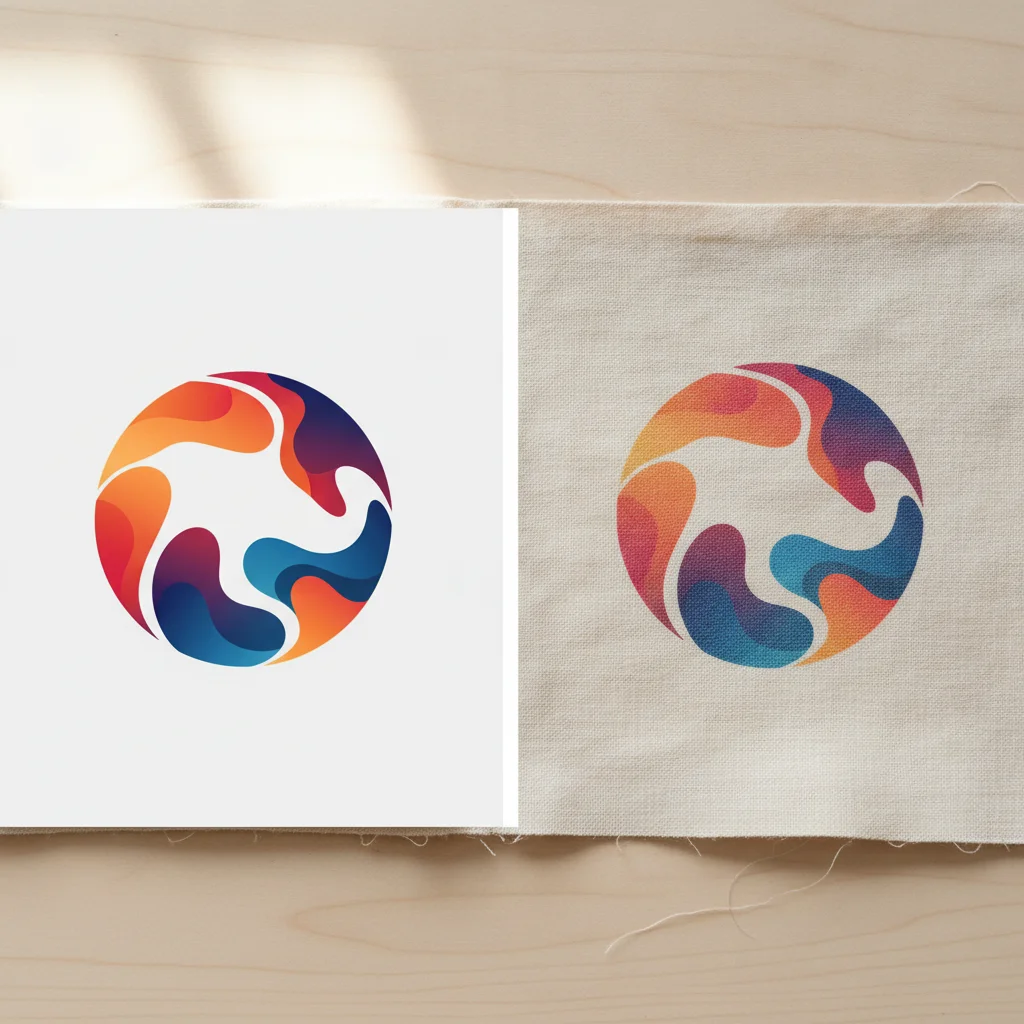
Cohesive brand packaging demands discipline across every single SKU. When a regional agency tackled an identity package for an artisan distillery, they had to lock down a subtle coastal teal and a rich charcoal across tri-blend fleece, nylon canvas totes, and glass spirit bottles. Here is the exact calibration path they used to protect color fidelity.
Step 1: File Preparation and Color Space Selection
Never submit RGB assets and hope the print driver figures it out. In Adobe Illustrator or Photoshop, lock your working space to CMYK using US Web Coated SWOP v2 or GRACoL 2006. Defining brand colors through explicit CMYK values or Pantone Solid Coated callouts prevents random color translation errors during RIP rasterization.
Step 2: Digital Proofing and Underbase Isolation
Inspect the generated white plate before queuing your job. In our detailed Color Matching Guide for DTF & UV Prints, we show designers how to dial in underbase choke. A 1-to-2 pixel choke keeps white ink tucked behind thin text and hairline borders on dark garments.
Step 3: Test Gang Sheet Swatch Strips
Don't order 300 transfers untested. Build a tight swatch file that shifts cyan and magenta values up and down by 3% across a tidy grid. Ordering that test strip through DTF Nova Custom DTF Transfer Services lets you press actual swatches directly onto the final blank before committing your budget.
Step 4: Press Validation and Thermal Inspection
Heat alters color values. Clamp your sample at 310°F (155°C) for 15 seconds under 60 PSI of pressure. Peel the film, then apply a quick 5-second post-press using a protective sheet. That second hit seats the ink into the yarn weave and settles the final, cured hue.
Step 5: Full Run Production on Calibrated Roll Media
Once you pick the winning swatch block, your production team logs those explicit numbers into the RIP software. Running continuous roll equipment maintains identical ink densities from the first gang sheet to the five-hundredth.
DTF Apparel Transfers vs. UV DTF Transfers: A Technical Comparison
Modern product lines rarely stop at apparel. While textile transfers rely on yarn fibers and heat to seat the adhesive, UV DTF printing uses ultraviolet lamps to cure liquid pigments and varnish instantly onto an adhesive carrier sheet. The physical differences dictate how light reflects off your graphics.
| Technical Attribute | Textile DTF Transfers | Custom UV DTF Transfers |
|---|---|---|
| Substrate Compatibility | Cotton, polyester, blends, canvas, nylon | Glass, hard plastics, metal, ceramics, wood |
| Curing Method | Adhesive powder melt + pneumatic heat press | Instant UV LED light polymerization + clear coat |
| Color Gamut Performance | Matte-to-satin finish; absorbs slightly into weave | High-gloss, raised 3D finish; high reflective pop |
| Application Requirement | Heat press equipment (280°F–320°F) | Pressure application by hand or squeegee (no heat) |
| Best For | T-shirts, hoodies, activewear, totes | Drinkware, phone cases, laptops, packaging |
UV prints build a raised, high-gloss surface. Because that varnish catches light directly, an identical CMYK mix often appears deeper to the naked eye on glass than it does pressed into flat cotton jersey. Compensating for high-gloss reflection requires custom RIP curves when aligning textile prints with rigid merchandise transfers. We balance those ink profiles directly on the floor so your brand identity looks uniform everywhere it appears.
How Can Virginia Businesses Benefit from Local DTF Printing?
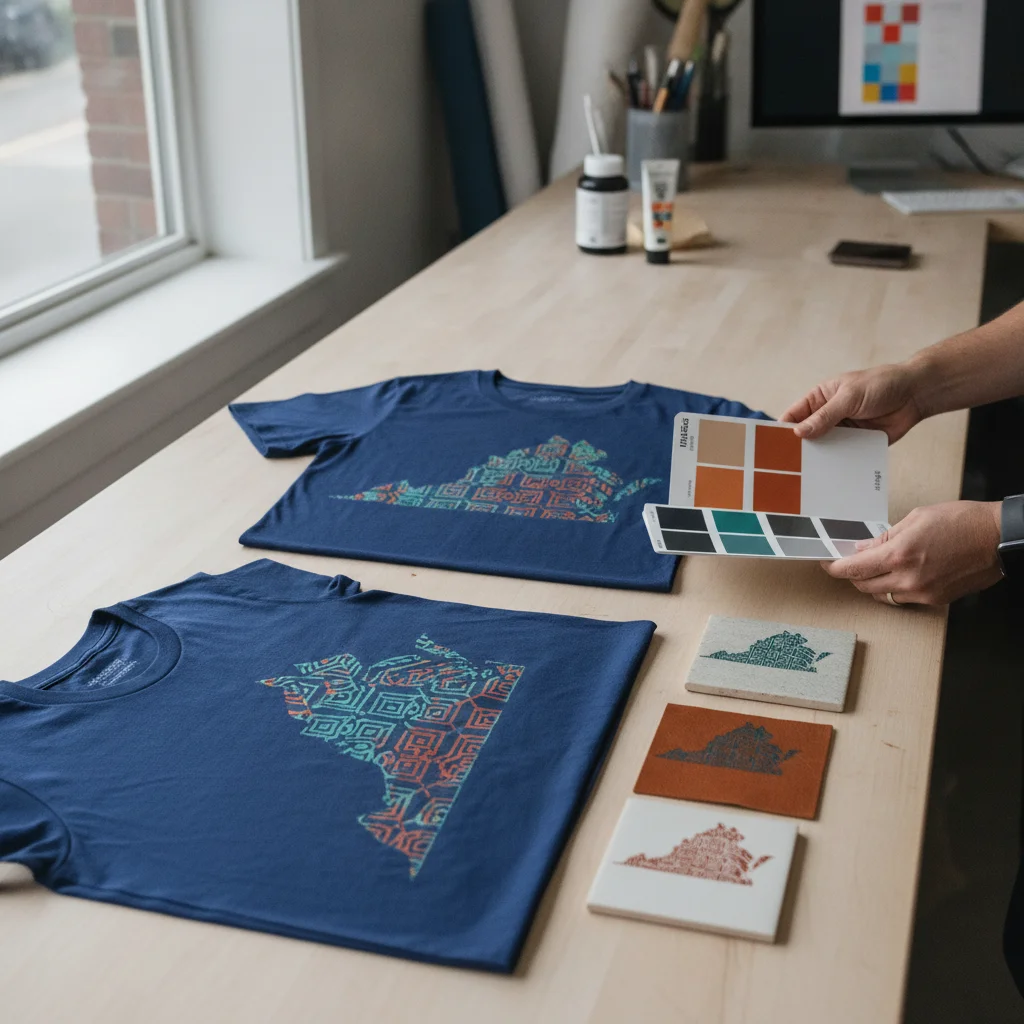
Working alongside a domestic print shop eliminates the constant gamble of ocean freight. Partnering with a local Virginia production floor gives you immediate press checks and protects sensitive transfer films from humidity damage during cross-country shipping. Keep these operational perks in mind:
- Same-day turnaround windows allow morning proofs and afternoon print runs when pop-up events loom.
- No minimum order sizes let you run a single 22x24 inch gang sheet to verify a difficult build on your own press.
- Mid-Atlantic climate controls keep shop humidity stable so adhesive powder cures cleanly without bonding flaws.
- Direct prepress support clears up transparency clipping and raster bugs right away.
The Impact of Quick Iteration: A Virginia Case Scenario
A Norfolk creative agency ran into this exact challenge during a corporate refresh centered on a custom safety-orange badge. Their initial proof pulled slightly brown once pressed onto heavy charcoal canvas aprons. Because DTF Nova runs locally, the team bumped the yellow channel by 6% and ran fresh film that very afternoon. The agency stayed on schedule and delivered flawless merchandise to the client.
Common Mistakes That Ruin DTF Brand Color Accuracy
Catching basic file errors early keeps blank stock out of the trash bin and saves hours of troubleshooting.
First, never compose production assets in RGB while expecting RIP drivers to interpret neon values accurately. RGB screens render hyper-saturated limes and deep magentas that fall outside standard four-color CMYK reach. Converting master vector artwork to CMYK early exposes gamut warnings long before you commit expensive films to the heat press.
Second, clean up soft, feathered drop shadows that lack a solid backer. Transparent gradient edges force the RIP software to lay down half-strength white ink dots. Once heated, that thin base looks speckled, dirty, and pale against black fabrics.
Third, never skip the fabric test. Heavy-dyed polyester bleeds gaseous dye into white ink beds past 300°F, whereas combed cotton remains stable. Test your exact garment blend every single time.
Frequently Asked Questions
Why do digital screen colors look different on printed DTF transfers?
Computer screens display artwork in emissive RGB light, while DTF transfer printers use reflective CMYK and white ink layers. Without custom ICC profiling and white underbase density adjustments, the physical inks absorb light differently than backlit pixels, shifting hex codes off target.
How does DTF Nova handle color proofing for critical brand colors?
DTF Nova evaluates customer-supplied vector hex or Pantone targets, prints stepped density swatches on mini gang sheets, and adjusts underbase opacity and ink saturation curves before running full production rolls.
Can you achieve exact color matches on both apparel and hard substrates?
Yes. DTF Nova runs specialized DTF transfers for textiles and UV DTF transfers for hard surfaces, calibrating each ink set to maintain brand color consistency across both mediums.
What file format is best for brand color replication in DTF printing?
Submit vector files such as high-resolution PDF, AI, or EPS with text outlined and transparencies flattened, defined in the CMYK color space or labeled with specific Pantone solid coated codes.
Ready to Eliminate Color Guesswork on Your Next Project?
Experience true color fidelity on apparel and merchandise. Connect with our Virginia print shop today to request your free color-match sample pack and download our production-ready gang sheet layout templates.